


A disputed Aviator round can raise a simple question: did the game set the crash point before take-off, or did something change while the plane was flying? Spribe’s Aviator uses a provably fair process based on a server seed, client seeds, a SHA-256 hash and a verification tool inside the game.
This guide explains what appears before a round, what becomes visible afterwards and how to use the in-game tool. It also separates the game result from a cash-out dispute, because a fixed crash point does not guarantee that a cash-out request reached the server before the crash.
What the Hash Fixes
Aviator publishes a SHA-256 hash of the server seed before each round. The Aviator crash point is fixed before take-off.
The pre-round hash is a commitment. It lets players see that the server has published a value before the result is known. The original server seed is not yet revealed at this stage, so the visible hash does not directly show the crash multiplier.
After the round, the inputs are revealed. Players can then use the revealed information in the in-game verification tool to check whether the later result matches the earlier commitment.
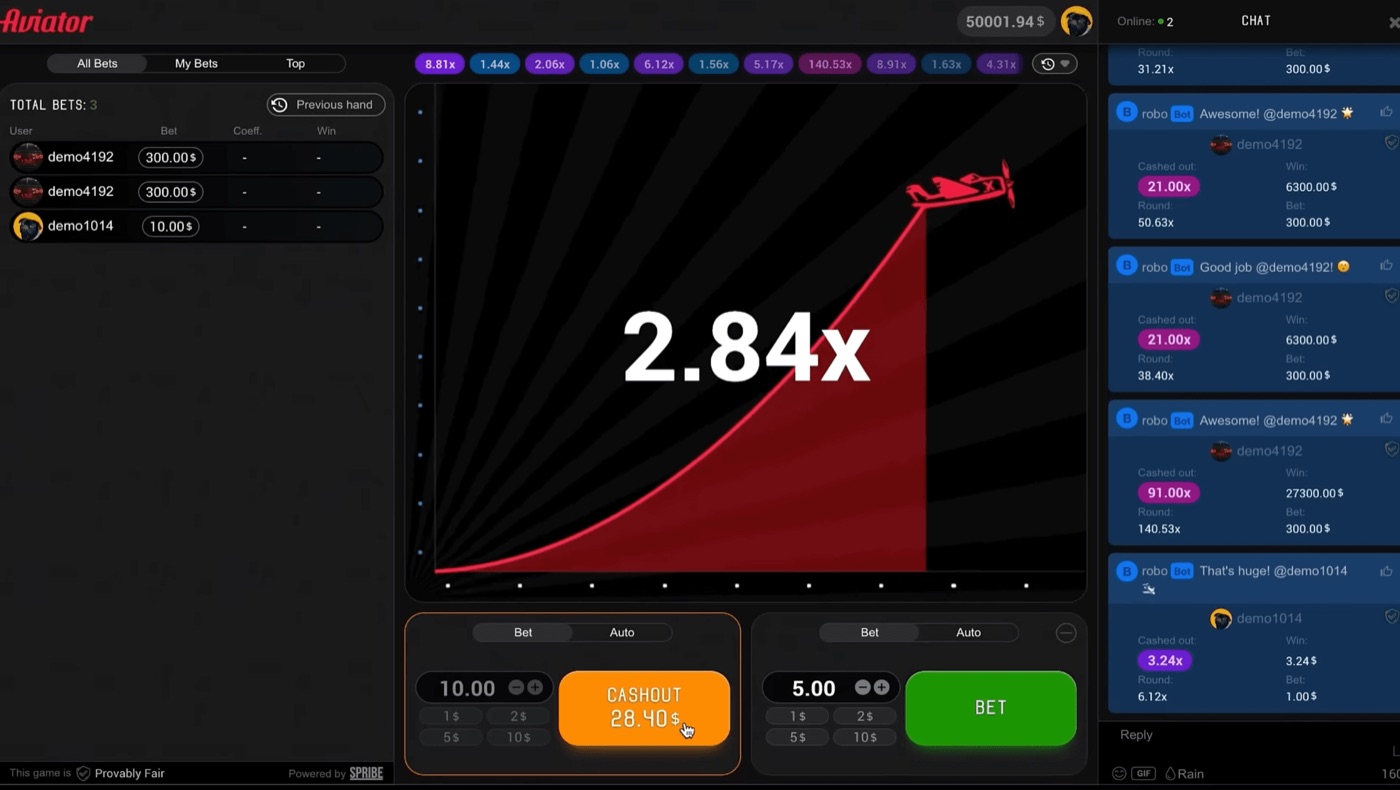
The Aviator interface shows live bets, chat and a cash-out at 28.40.
The process matters because a hash is designed to change if the underlying input changes. The check is therefore based on comparing the pre-round hash with the server input revealed after the round, alongside the client inputs used for that round.
- The server publishes a SHA-256 hash before the round.
- Players’ client seeds are combined with the server seed.
- The crash point is fixed before the plane takes off.
- The inputs are revealed after the round.
- The in-game tool checks the revealed information.
Neither the operator nor Spribe can change a result after the round starts. That statement concerns the game result itself. It does not remove the need to examine a separate cash-out issue, such as a request that reached the server after the crash.
Client Seeds And Inputs
Aviator combines client seeds from players with the server seed for each round. The revealed inputs become available after the round ends.
The client seed is one part of the verification record. The pre-round hash covers the server-side commitment, while the combined inputs are used when the completed round is checked.
A player does not need to predict the crash point from the client seed. The point of the seed information is to verify a completed result, not to forecast the next multiplier. Prediction is impossible because the crash point is committed by hash before the round.
| Stage | What the player sees or uses | Purpose |
|---|---|---|
| Before the round | SHA-256 hash of the server seed | Records the server commitment before take-off |
| During the round | The rising multiplier and plane | Shows the live round until the crash |
| After the round | Revealed server and client inputs | Provides the information needed for checking |
| Verification | The in-game Provably Fair tool | Tests the revealed inputs against the result |
Client seeds should not be confused with a personal prediction code. They do not create a reliable signal for 1.5x, 2x or any other target. Aviator rounds are independent, so patterns, graph analysis, a “best time to play” claim or a strategy chart do not change the odds.
- Record the pre-round hash shown by the game.
- Let the round finish and note the displayed multiplier.
- Open the Provably Fair area inside the Aviator game.
- Review the server input and the client inputs revealed for that round.
- Run the check and compare the result with the completed round.
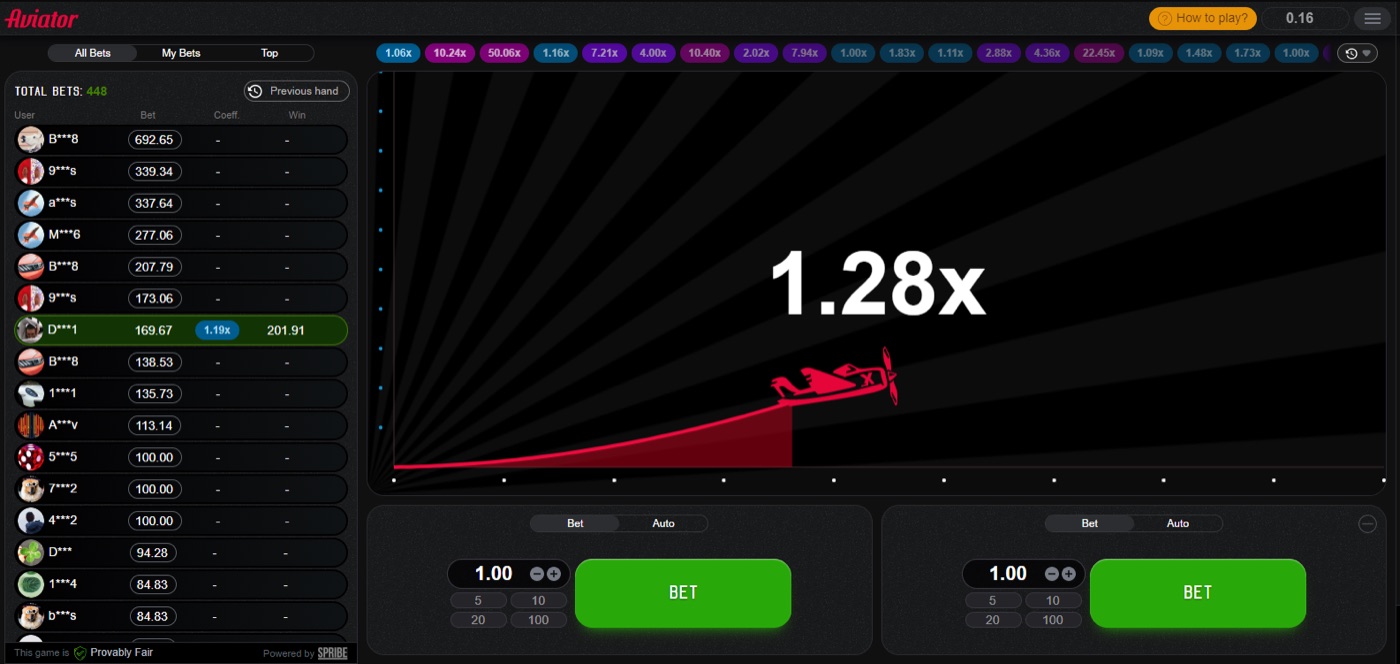
The plane in flight represents the live stage before the crash point is reached.
The exact labels and placement can depend on the operator’s presentation, but the relevant game feature is the Provably Fair verification tool inside Aviator. The game runs inside an operator’s website or app; Spribe does not provide a standalone official Aviator app.
Using The Verification Tool
The Aviator verification tool checks the revealed inputs after a round. The Provably Fair badge identifies the area where players can access that check.
The tool is useful only after the round has ended and the inputs have been revealed. It cannot turn a live round into a prediction, and it cannot change the displayed result.
A practical check follows a clear order. First, identify the disputed round in the history at the top of the game. Next, open its fairness information rather than relying on a screenshot of the plane or a chat message.
- Find the round multiplier in the round history.
- Open the Provably Fair badge or related verification area.
- Read the revealed server input.
- Read the revealed client inputs used for the round.
- Submit or review the check provided by the tool.
- Compare the verified result with the multiplier shown in the history.
A verification check and a payment review answer different questions. The tool checks whether the game result matches the committed inputs. The operator must handle account, stake and settlement records, while a cash-out complaint may involve the timing of a request.
Players researching a crash game may also see a crash aviator game download mentioned beside discussions of a multiplier, cash-out or stake. That type of mention does not replace the Provably Fair check inside the Aviator game.
If the revealed inputs reproduce the recorded multiplier, the disputed result is consistent with the published commitment. If the displayed details do not match, keep the round information and raise the matter with the operator, because the operator controls the account and betting records.
Reading The Round Numbers
Aviator has an RTP of 97% and a house edge of 3%. About 3% of rounds, or roughly 1 in 33, crash instantly at 1.00x.
The probability that a round reaches multiplier m is 0.97 divided by m. These figures describe the game’s long-run probabilities, not a promise about the next round or a way to override the verification result.
| Target multiplier | Probability the round reaches it |
|---|---|
| 1.2x | 80.8% |
| 1.5x | 64.7% |
| 2x | 48.5% |
| 3x | 32.3% |
| 5x | 19.4% |
| 10x | 9.7% |
| 20x | 4.85% |
| 50x | 1.94% |
| 100x | 0.97% |
For example, the chance of reaching 2x is 0.97 divided by 2, or 48.5%. If a player sets a cash-out at 2x, the expected value remains negative 3% of the stake. A strategy can change variance, but it does not remove the house edge.
- A 1.5x target is reached in 64.7% of rounds.
- A 5x target is reached in 19.4% of rounds.
- A 10x target is reached in 9.7% of rounds.
- A 100x target is reached in 0.97% of rounds.
- An instant 1.00x crash occurs in about 3% of rounds.
Rounds usually last about 8 to 30 seconds, with 60 to 90 rounds per hour and a few seconds between rounds. A quick sequence of low multipliers is not evidence that a high multiplier is due, because the rounds remain independent.
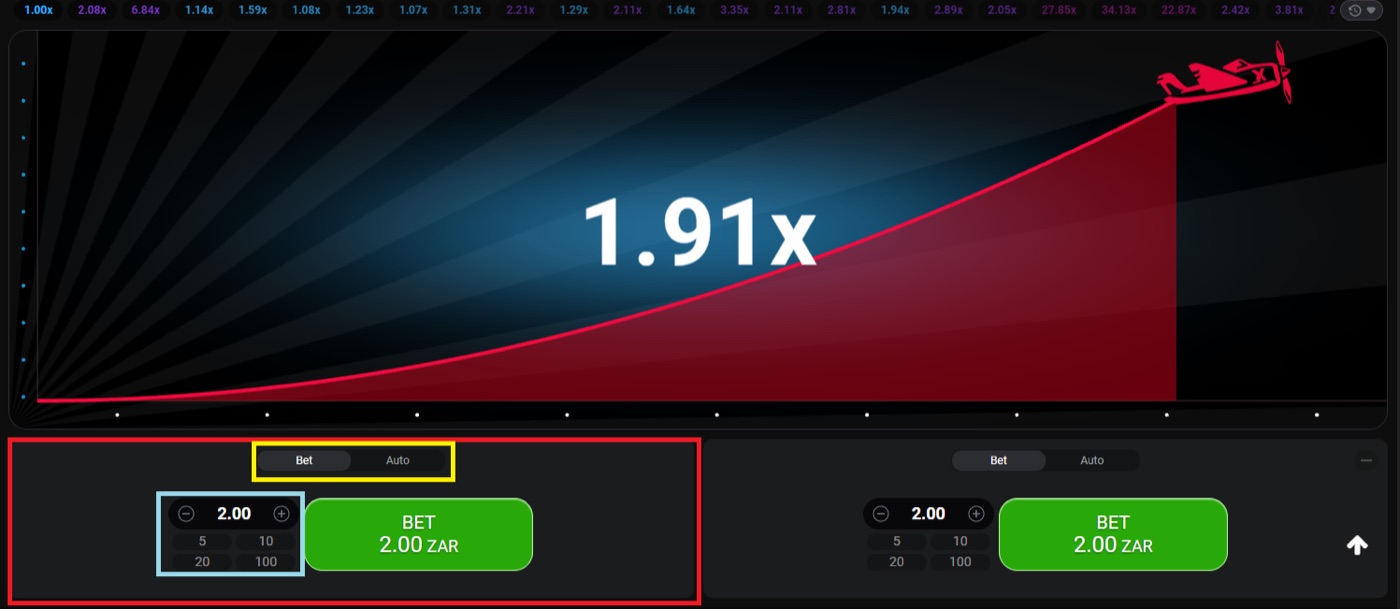
The desktop view shows a 1.91x round with two separate bet panels.
Separating Crash And Cash-Out
Aviator provides two bet panels per round, and each panel can have a separate cash-out. The cash-out request must reach the server before the crash.
A cash-out time-out can result from latency or a slow device. A time-out does not by itself show that the verified crash point was changed.
The interface includes Bet and Auto tabs, an Auto Cash-Out setting and Auto Bet or Auto Play for 10 to 100 rounds. These tools submit actions according to the settings, but they do not alter the pre-round commitment or the game’s probabilities.
- Check the round multiplier in the history.
- Check whether the cash-out appears in the relevant bet panel.
- Compare the cash-out time with the crash time shown by the round.
- Review the operator’s transaction or bet record if the display is unclear.
- Use the Provably Fair tool to check the crash result separately.
The live bets panel can show All Bets, My Bets and Top results, including daily, monthly and all-time wins. The in-game chat may contain operator announcements, but chat messages do not verify a disputed round.
A screenshot of a high cash-out, a chat claim or a visible plane position is not the same as a completed verification. The strongest record combines the round history, the revealed inputs, the tool’s check and the operator’s settlement record.
Practical Dispute Checklist
Aviator’s demo mode needs no registration and helps players learn where the verification tool appears. Typical stakes range from about $0.10 to $100 per bet, but the amount depends on the operator.
The maximum multiplier is not published by Spribe, and win caps per round are set by each operator. Those operator limits are separate from the hash check and should be read before placing a stake.
- Save the round number and displayed multiplier.
- Record the pre-round SHA-256 hash when available.
- Open the Provably Fair tool after the round.
- Check the revealed server and client inputs.
- Compare the tool result with the round history.
- Check whether the disputed action was a bet, an automatic cash-out or a manual cash-out.
- Send the complete record to the operator if the account settlement remains disputed.
Operators may present Aviator on desktop, tablet or mobile browsers, and the game was built for low bandwidth and budget devices. Even so, a slow connection can affect when a cash-out request reaches the server, which is different from changing a crash point after take-off.
- Do not treat a predictor app as a verification tool.
- Do not treat Telegram signals or public mathematical claims as proof of a future result.
- Do not use a pattern to explain a completed round when the inputs can be checked directly.
- Keep the verification record separate from promotional messages or free-bet terms.
Prediction apps and “Aviator Predictor” downloads are third-party products, not Spribe’s standalone Aviator app. Version names such as “Predictor v4.0”, “v8” and “v12” are marketing labels, while the game’s own verification tool checks a completed round.
Set a spending limit before playing and stop when it is reached.
Aviator FAQ
Aviator uses one SHA-256 commitment before each round and reveals the inputs after the round. The in-game tool checks the completed result rather than predicting a future crash.
A disputed cash-out also requires the operator’s bet and settlement record. The game check and the transaction review should therefore be treated as two connected but separate steps.
Can an app predict Aviator?
No. Prediction is impossible because the crash point is committed by hash before the round. Third-party predictor apps, signal bots and marketing version names do not replace the in-game verification tool.
What does the pre-round hash show?
The pre-round hash records the server’s commitment before take-off. It does not display the crash multiplier by itself. The server input and client inputs are revealed after the round so the completed result can be checked.
How do I verify a disputed round?
Open the round history, select the Provably Fair area, review the revealed server and client inputs, and run the check supplied by the in-game tool. Compare its result with the recorded multiplier.
Can the operator change the result after take-off?
Neither the operator nor Spribe can change the result after the round starts. A separate cash-out dispute can still involve latency or a slow device if the request reached the server after the crash.
Does a 2x cash-out have a positive edge?
No. Aviator has a 97% RTP and a 3% house edge. The probability of reaching 2x is 48.5%, and the expected value remains negative 3% of the stake at every cash-out target.